|
Cheque Printing & Management Software
|
|
"This is a very useful cheque printing software that has improved our business record-keeping dramatically.
The most obvious benefit is that it produces printed cheques that are constantly legible and this ensures that we are able to manage the issue of cheques in accordance with banking procedures."
|
|
- David Wade, UK
|
| "All the things are kept in records, we don't need to care about the stub or make photo copy on the issued cheques."
|
|
- Colin Ng, Singapore
|
|
Complete Cheque Printing & Management Solution
No Handwriting, No Bulky Cheque Writer
ChequeSystem software
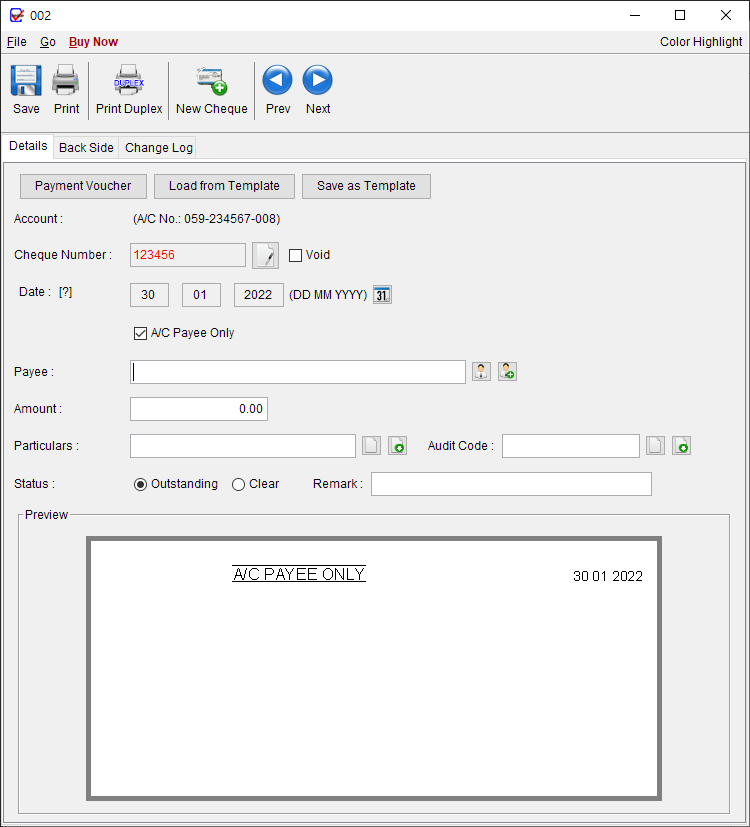
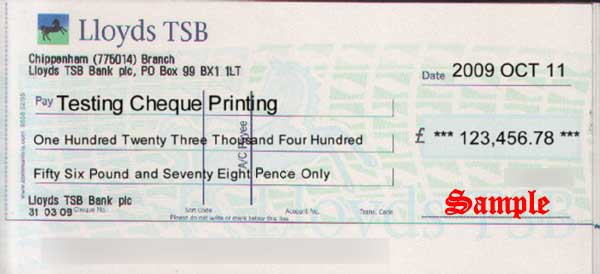
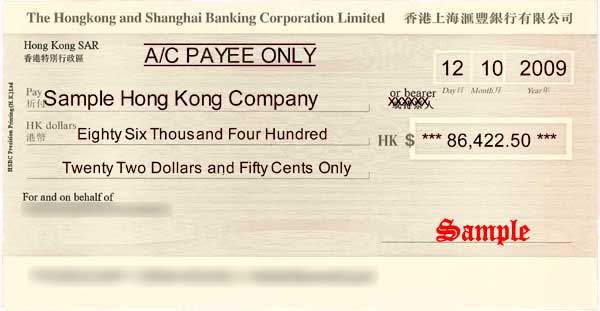
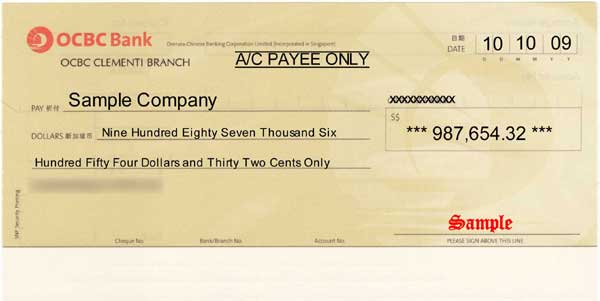
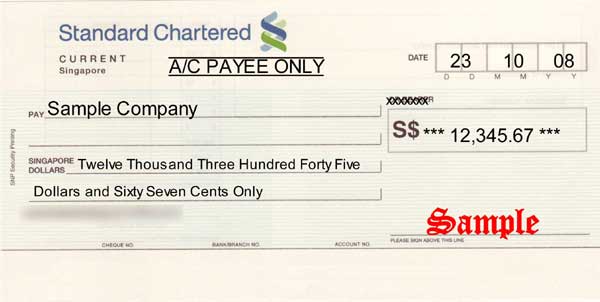
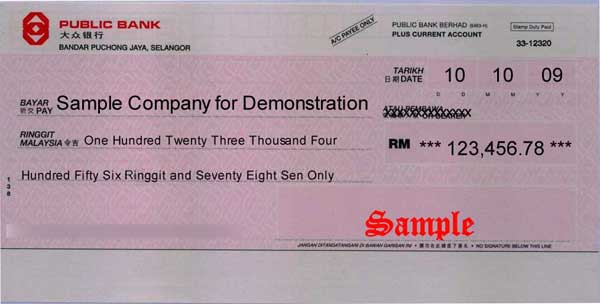
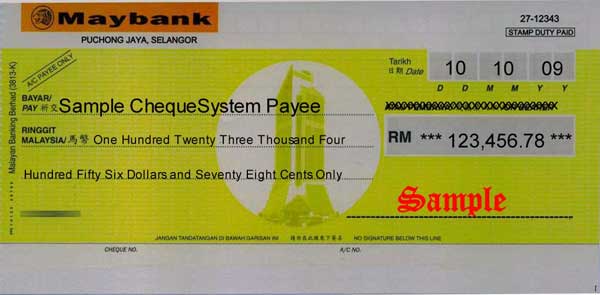
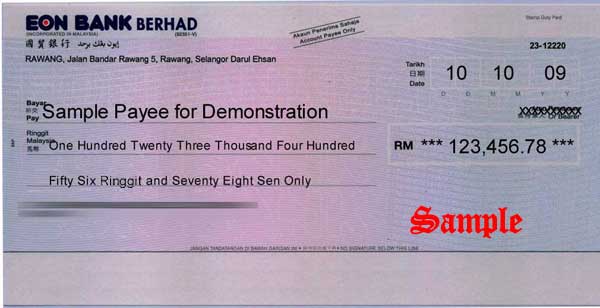
prints your cheques completely. It can print payee, date, amount, "a/c payee only" and all others.
Put your cheque into the printer and print with ChequeSystem software. The cheque is ready to issue once signed. Batch printing function makes your cheque issuing process even simpler.
All issued cheques are recorded
ChequeSystem
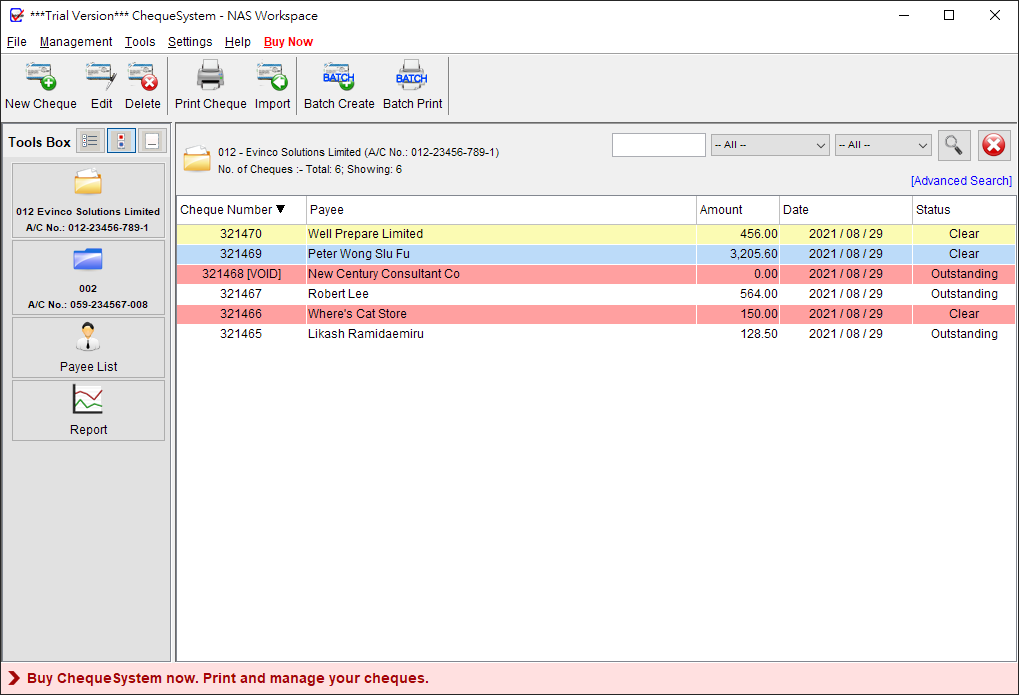
provides powerful cheque book management. You can review all the issued cheques at anytime you want. Multiple cheque books are supported to fit your needs.
Provides comprehensive report
ChequeSystem
provides two reports: Account Report and Payee Report. These two reports provide comprehensive queries on date, cheque books account and payee.

|
|
|
|
|
|
Total Cheque Printing Solution
- Print every elements
Print every elements on the cheque, includes:
- Payee,
- Date,
- Amount (Text & Number),
- "A/C Payee Only",
- Bearer,
- Place of Issue,
- "Non Negotiable",
- "Payable On-Date Only",
- "First Payee Only".
- Batch Printing
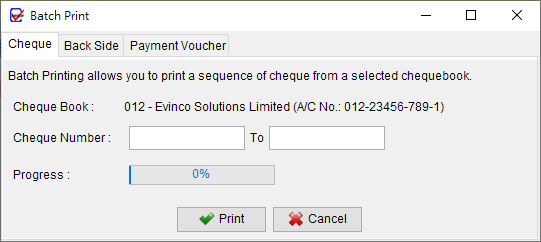
You can also create your cheques first and use the batch printing function to print a sequence of cheques in batch.
- Support different printers
ChequeSystem software supports Laser, InkJet, and Dot-Matrix printer.
|
 |
 |
Your Cheque Book Management
- Historical Record on issued cheques
All issued cheques are kept in records. You can add notes and audit code on the cheques for internal use. The friendly search function in cheque book help you locate cheque easily.
- Recurring Cheque Template
You can save cheque information as cheque template for those frequently issued cheques. The template can be recalled which make your cheque preparation easier.
- Payee List Management
Organized Payee List allows you to load the payee information into the cheques with a single click. You can prepare your cheque even faster and easier.
- Account Report / Payee Report
Account report generates Cheque Summary on cheque book for any time range. Your cheque book history are always ready.
Payee report gives you a complete picture on all the cheques issued to the selected payee.
- Export to HTML/Excel/PDF format
All the reports can be exported into HTML/Excel/PDF format. You can share the report in HTML or PDF format. If you want to have a further analysis, you can export the report into Excel format.
|
|
 |
Fit your Business Needs
- Support Multiple Cheque Books
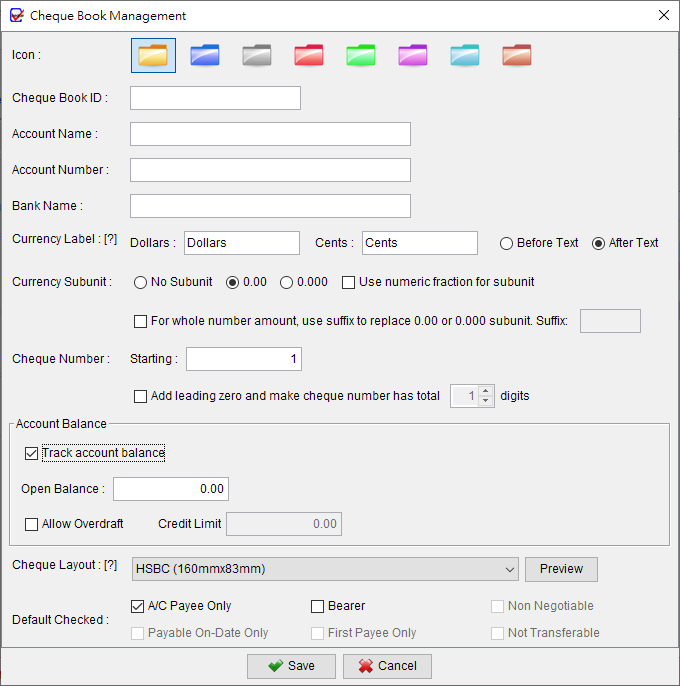
You can create multiple cheque books in the software to fit your different bank accounts.
- Currency Unit / Numbering System
You can change the currency unit from Dollar/Cent to Pound/Sterling, Dinar/Fils or any you want.
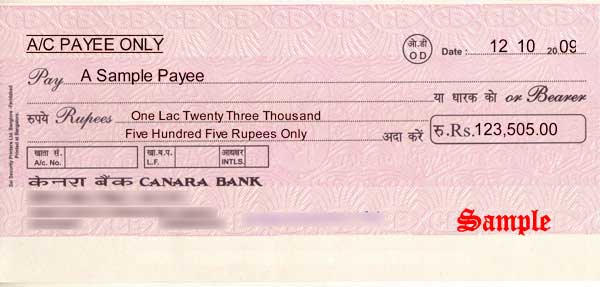
ChequeSystem support different numbering systems: Standard, French and India.
- Built-in Cheque Layouts
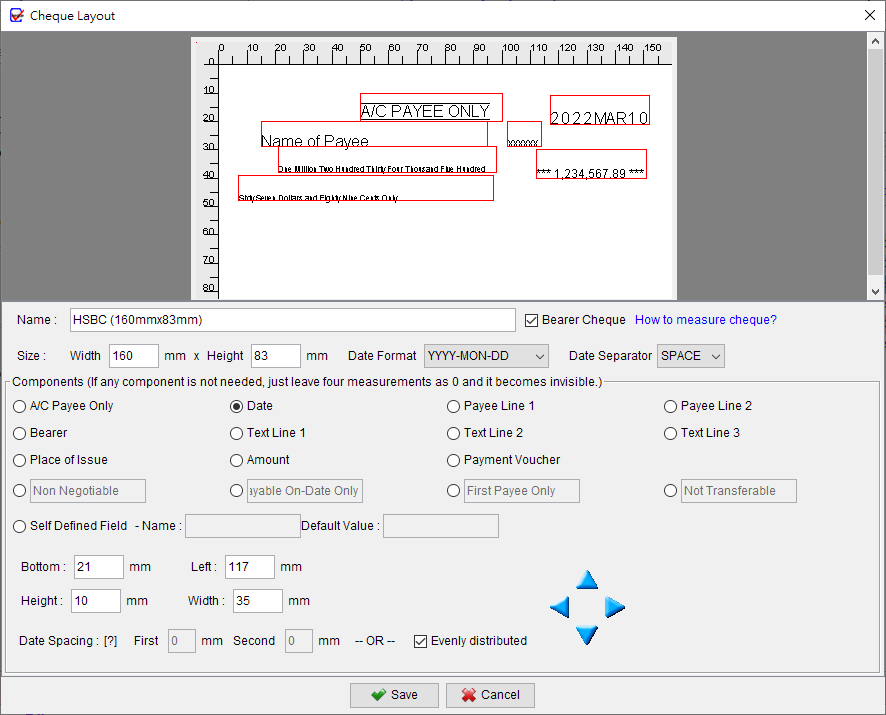
ChequeSystem software are built with over 100 cheque layouts from different banks. You can simply pick from the layout list and fit your cheque.
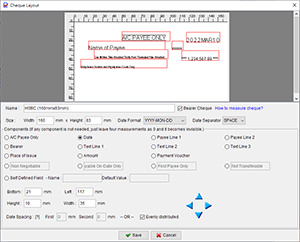
- Cheque Layout Design Tool
If you cannot find your cheque layout from the list, you can create your own cheque layout with the help of "Cheque Layout Design Tool".
How to measure cheque layout?
We can help you preparing cheque layout, email us support@evinco-software.com
|
Get ChequeSystem now, Print & Manage Your Cheque!
  |
|
|
| ChequeSystem ScreenShots |
Main Screen
|
Create Cheque Book
|
Prepare your Cheque
|
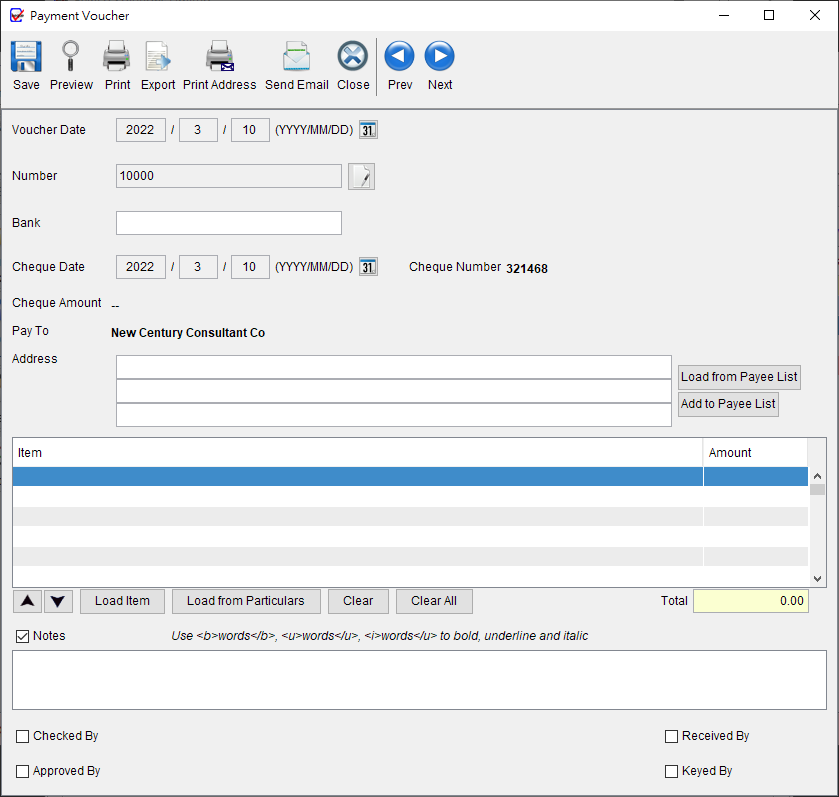
Payment Voucher
|
Batch Printing
|
Cheque Layout Design Tool
|
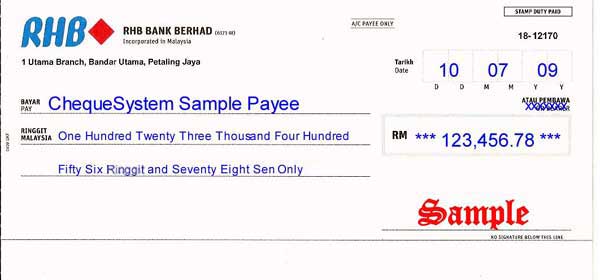
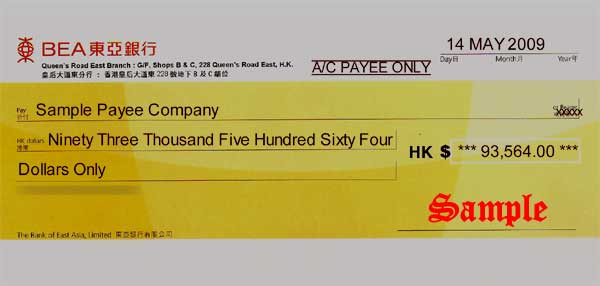
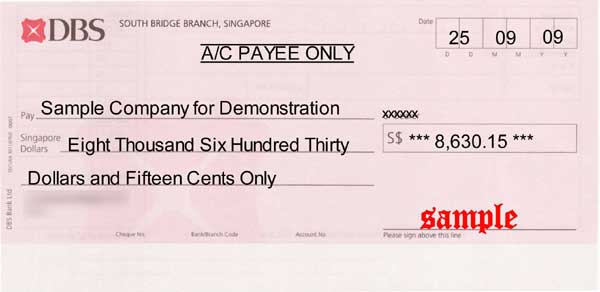
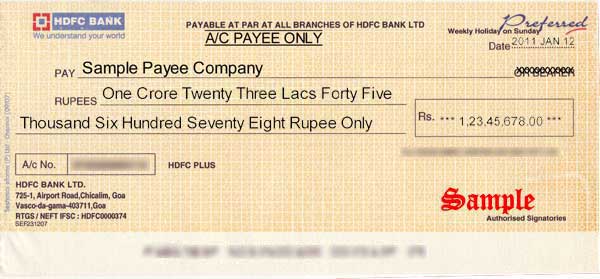
| Sample Cheque Printing Outputs |
|
|
|
|
|
|
|
|
|
|
|
|
| Software Summary |
| Product Name | ChequeSystem Cheque Printing & Management Software 3.0.9 |
Latest Version Release Date | 2013-05-20 (First version released in 2005)
|
| Interface Language | English, Chinese (Traditional/Simplified)
|
| Platform | Windows 8, 7, Vista, XP, 2000, NT, 98 |
| Installation | The downloaded file is named setup.exe (40.1MB). Once download is complete, double click on setup.exe to install.
Pay attention to the folder where your browser saves the setup.exe file. |
| Price | US$97.5
- One Time fee. No monthly fees and your license never expires.
|
| Leaflet (PDF) |  |
| Guarantee | Risk-free 30 Days Money Back Guarantee for PayPal or ShareIt! order |
|

|
|
|
|
|