
User Interface
Quick Receipt provides extensive options for customizing the user interface to suit your preferences.
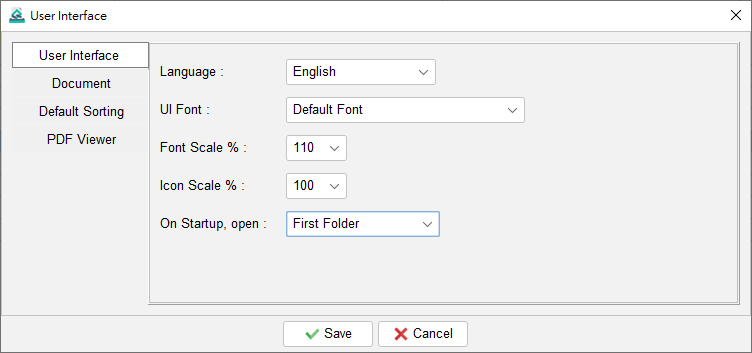
- User Interface: You can set the language, adjust the font, and enlarge or reduce both the font and icon size.
- Documents: You have the flexibility to rename documents on the user interface to better match your business needs.

- Default Sorting: Define the default sorting behavior and search options for documents and lists.

- PDF Viewer: You cab choose which application to use when previewing reports. If this setting is not configured, the operating system’s default PDF viewer will be used.


Important: Any changes made to these user interface settings will take effect after you restart the software.