
How can I add product photos into Invoice?
To add product photos to your invoice or other documents in EasyBilling, there are two methods available:
Photo Attachment:
- Open the document window and navigate to the “Photo Attachment” tab.
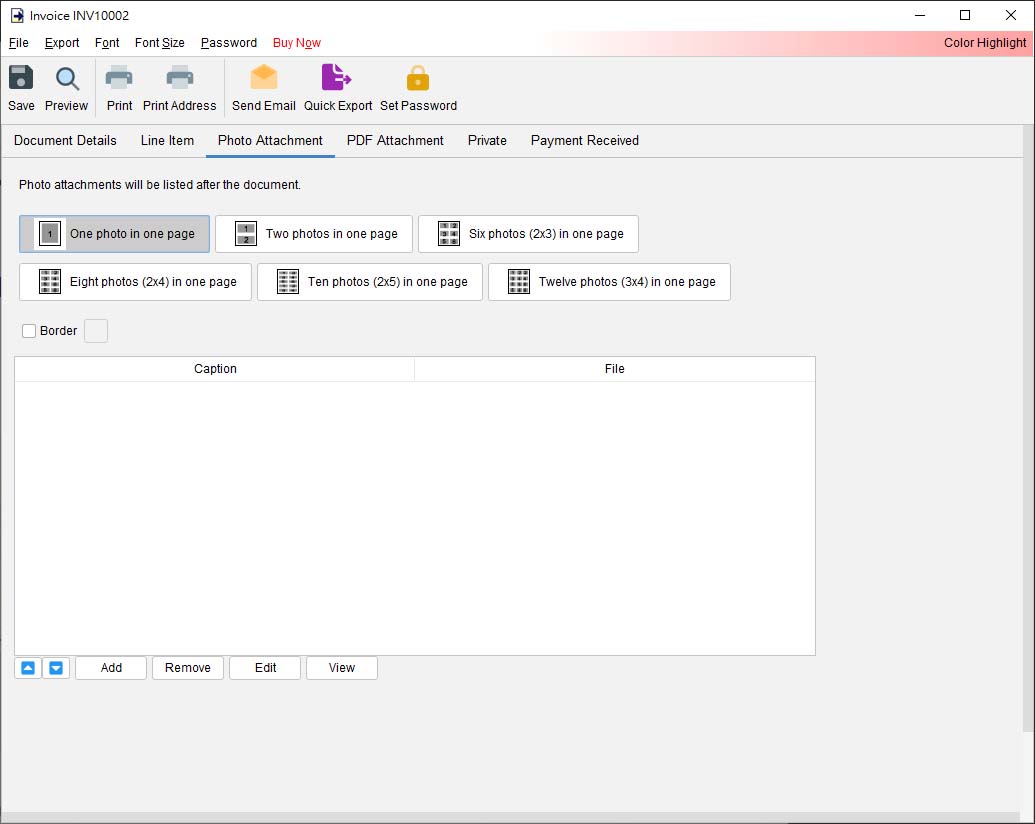
- Here, you can add your product photos.
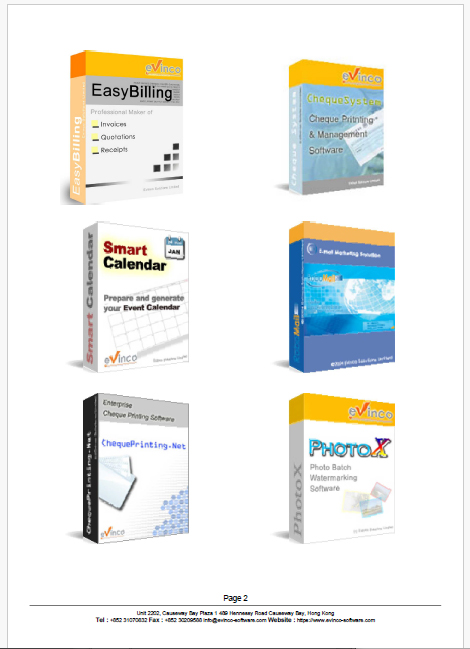
- Different layouts, such as 2×1, 2×3, or 3×4 tabular arrangements, are available to organize the photos on the page.
- The photo page will be appended to the invoice.
Below is a sample output with six photos and arrange in 2×3 layout.


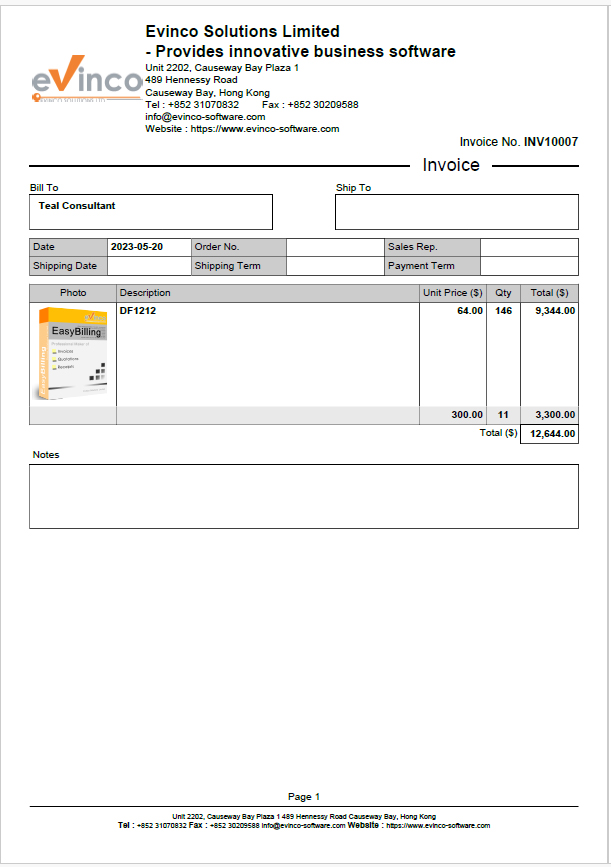
2. Photo Columns in Line Items:
- Firstly, enable the Photo Columns in “Customize Document > Document Columns“.
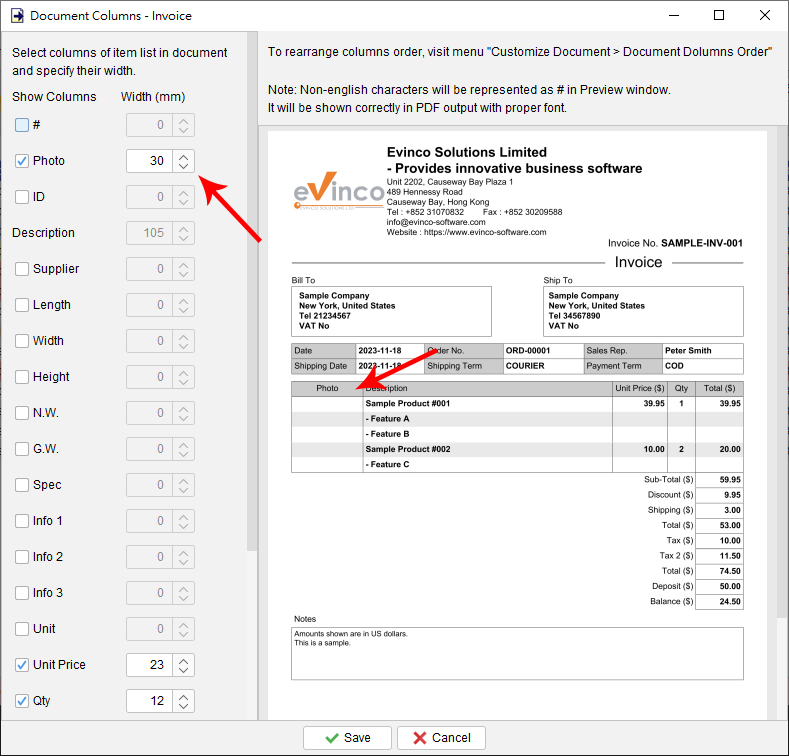
- Once enabled, a button will appear in each item of the line item table, allowing you to add photos.
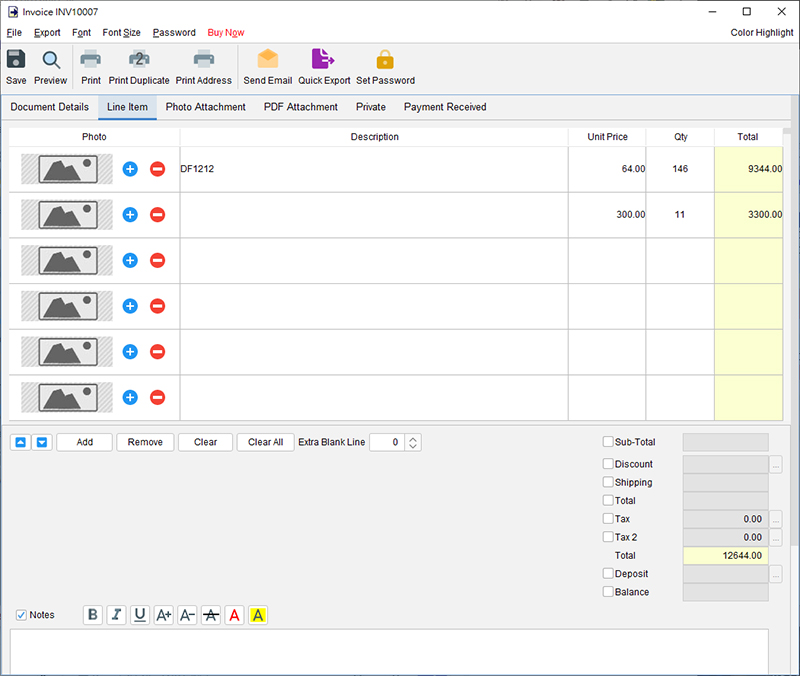
Below is a sample invoice with line item photo.


Prefer to Watch? See the Full Tutorial Below
This video covers all the details mentioned in the article, giving you a complete visual walkthrough from start to finish.
Video Tutorial: Add Product Photos to Documents